



5 min + 0:30 bonus · 30 fps base
AI VIDEO RESTORATION FOR IPHONE
Bring the feeling back into focus.
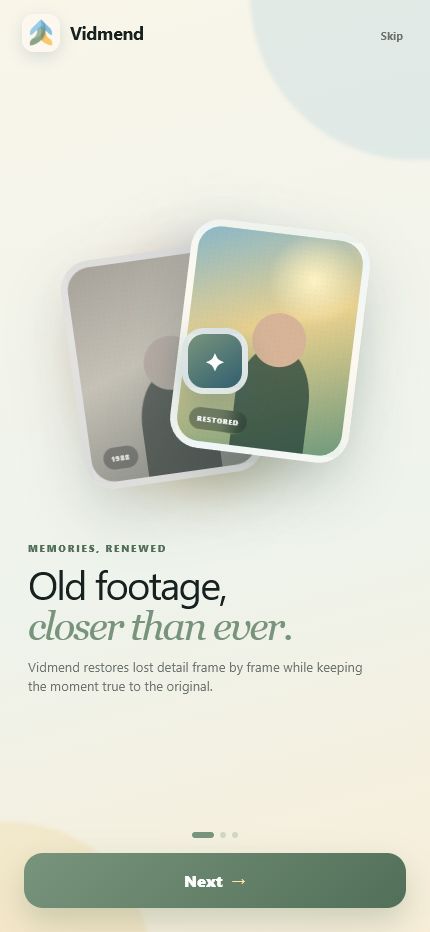
Vidmend gives old, compressed, and hard-to-watch footage another chance—restoring every frame while leaving your original untouched.
5 sec first preview free30 fps base credit rate0 changes to your original
Originals stay original.
Preview before you commit.
See the exact credit cost before export.
SAME MOMENT. MORE TO SEE.
Drag between then and now.
Both sides play the same six seconds in perfect sync. Move the divider to study motion, texture, faces, and the little things memory held onto.
Before
After
A walk worth keepingFaces, fabric, and leaves
6 SEC · LOOP DESIGNED AROUND THE MOMENTPowerful restoration.
Powerful restoration.
Almost no learning curve.
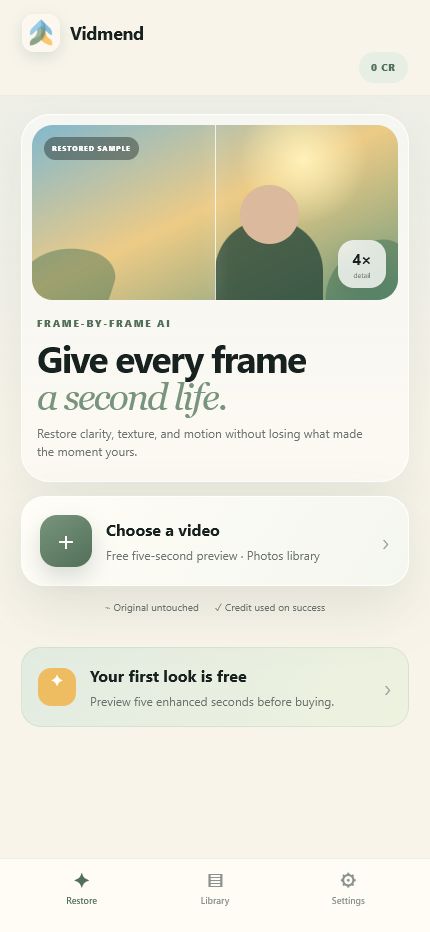
Choose a video, preview the first five seconds, select the restoration strength, and let Vidmend handle the frames in between.
- 01Choose
Pick a video from Photos. Your original remains untouched.
- 02Preview
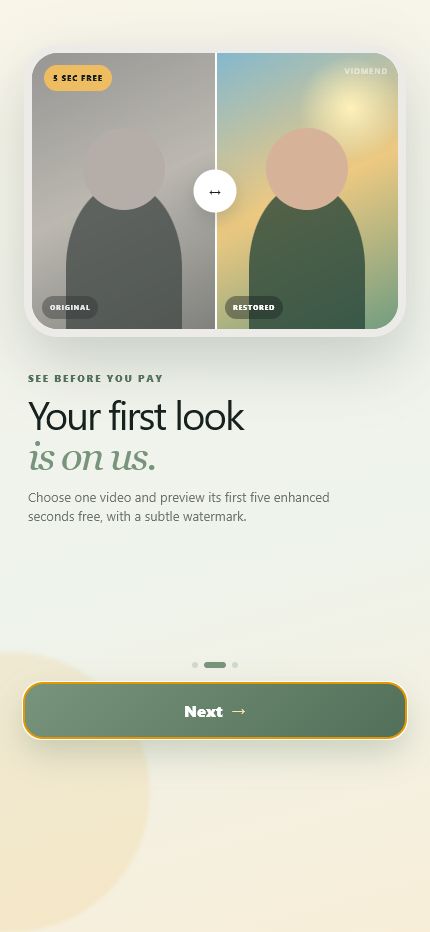
See five enhanced seconds free with a subtle watermark.
- 03Restore
See the 30 fps-based credit quote, then pay only when the complete export succeeds.
“The best enhancement is the one that lets the moment feel like itself again.”
Family archivesTravel yearsChildhood clipsPets & people
FIELD NOTES FROM VIDMEND
FOUNDER NOTE · 6 MIN READWhy I BuiltWhy build another video upscaler?
Because the technology can be expensive, the plans can be difficult to understand, and you often cannot tell what you are buying until after you pay.
Read why I built Vidmend →Vidmend
You should see what you are getting before you pay.
Read the story → PROCESSING TIME, PLAINLY PRICED
Know exactly what you get.
One credit covers 30 source frames. That is 0.8 credits per second at 24 fps, one at 30 fps, and two at 60 fps. Your detected frame rate and whole-credit total are shown before export.
28 min + 2:48 bonus · 30 fps base
2 hr 0 min + 12 min bonus · 30 fps base
+10%
Web purchases include 10% promotional credit. The same three base packs are also available as consumable in-app purchases. Credits sync to a protected Vidmend wallet, never expire, and failed or canceled processing returns the full reservation.
Frame-rate examples: 10 seconds at 24 fps uses 8 credits · at 30 fps uses 10 · at 60 fps uses 20.
FIRST IN LINELet the old videos
Let the old videos
come out of hiding.
Join the early-access list for TestFlight availability. Ongoing launch updates are a separate, optional choice, and support is never added to marketing.
EARLY ACCESS · OPENING SOONThe list is not collecting details yet.
The CRM stays disconnected while the privacy and retention terms are still drafts.
Ask about TestFlight ↗No form data is collected through this page today. STRAIGHT ANSWERS
Questions are part of the product.
Enhancing a personal video deserves clarity before the upload—not surprises afterward.
?Still wondering?Support is always visible.
Talk to us →01What does Vidmend actually do?+
Vidmend enhances video frame by frame to recover perceived detail, improve clarity, and create a cleaner export. AI restoration can still introduce artifacts, so the free preview exists to help you judge a result before using a credit.
02What is included in the free preview?+
Your first eligible video gets a free preview of its first five enhanced seconds. The preview carries a Vidmend watermark in the top-right corner at 50% opacity.
03When is a credit used?+
Credits are based on source frames: every 30 frames use one credit. Vidmend detects the video's frame rate, shows the whole-credit total before export, reserves it while the job runs, and returns it automatically if processing fails or is canceled.
04Why can higher-frame-rate video use more credits?+
Credits are based on frames processed: every 30 source frames use one credit. A 24 fps video uses 0.8 credits per second, 30 fps uses one, and 60 fps uses two. Vidmend detects the actual rate and shows the rounded total before you start.
05Do purchased credits expire?+
The planned App Store credit packs do not expire. Final availability, regional pricing, and product identifiers will be confirmed before release.
06Do I need an account?+
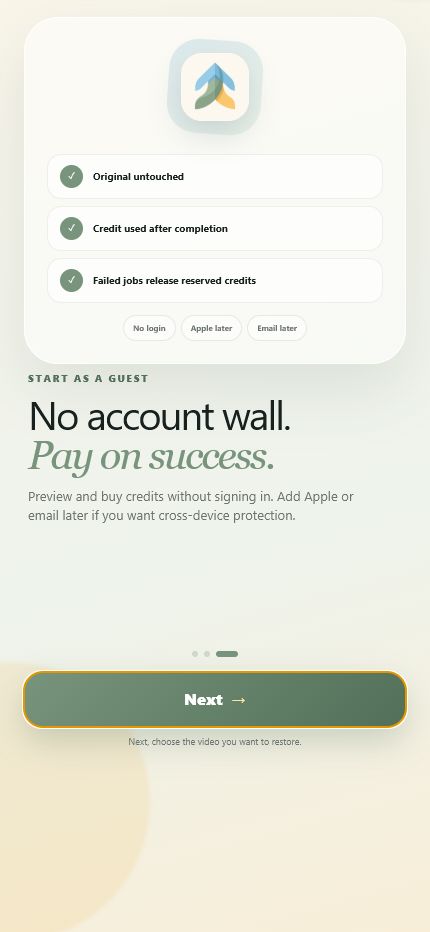
The product is designed to let you explore as a guest. Apple or email protection can be added around purchase so credits and completed work can be recovered safely across supported devices.
07What happens to my original video?+
Vidmend creates a separate enhanced export and never overwrites the original in your Photos library. Final server retention and deletion details will be published before processing launches.
08Which formats and durations are supported?+
The production limits are still being validated. The iPhone experience is being designed around common Photos-library video formats, with exact duration, resolution, and file-size limits coming before launch.
09How long does enhancement take?+
Processing time depends on duration, resolution, selected restoration strength, and demand. Vidmend will show a live job status rather than promise an unreliable fixed time.